
Fill in the options on the left and click generate to get started.
AI Travel Photo Generator Built for Real Results
Whether you're creating weekly travel content or making a one-time virtual check-in post, TripPhoto AI delivers location-accurate, identity-preserving ai travel photos in seconds.
Location-Accurate AI Travel Photos at Any Landmark
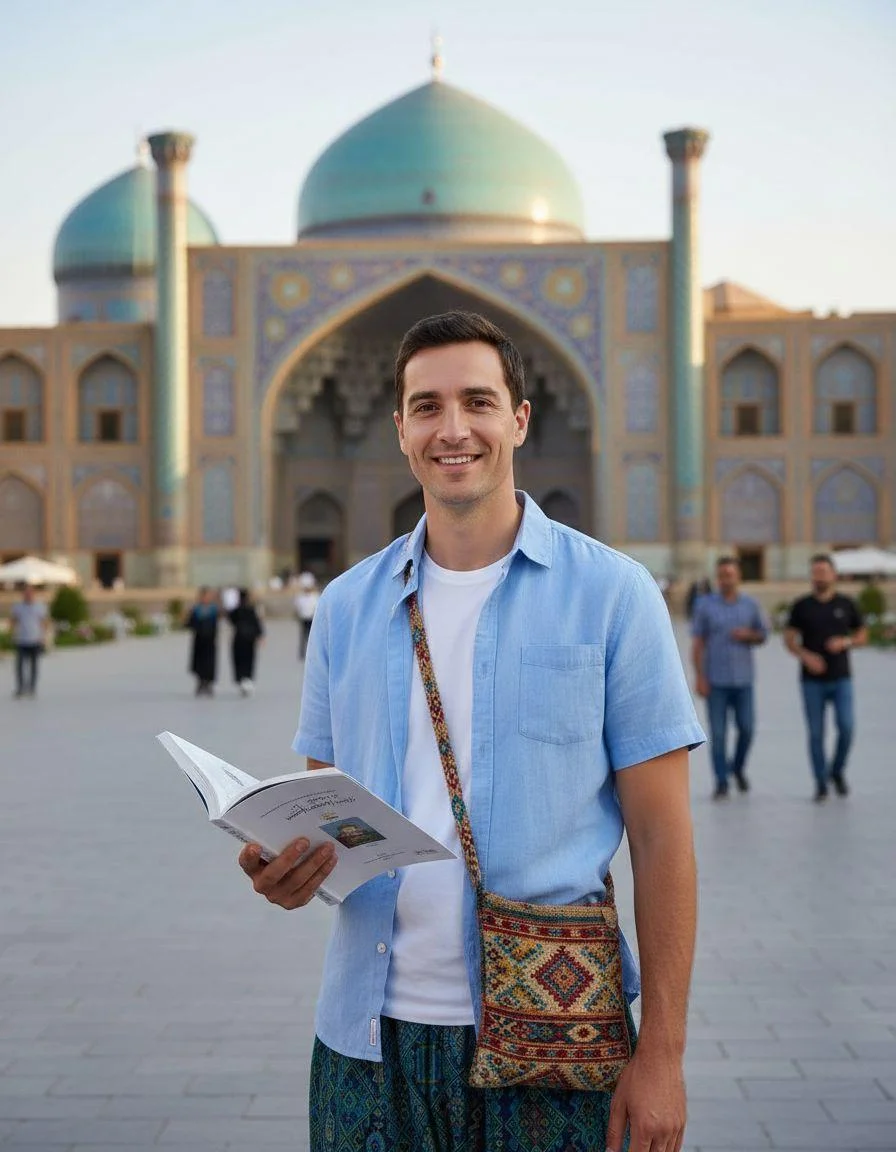
Select the Eiffel Tower, Colosseum, or any of our 150+ destinations, and TripPhoto AI places you there with correct shadow direction, ambient light, and background depth. The result passes as a real travel photograph at first glance — ideal for travel content creators who need ai travel photos for social media that look completely authentic.

Original
Result
Realistic AI Travel Photos for Couples, Friends & Solo Travelers
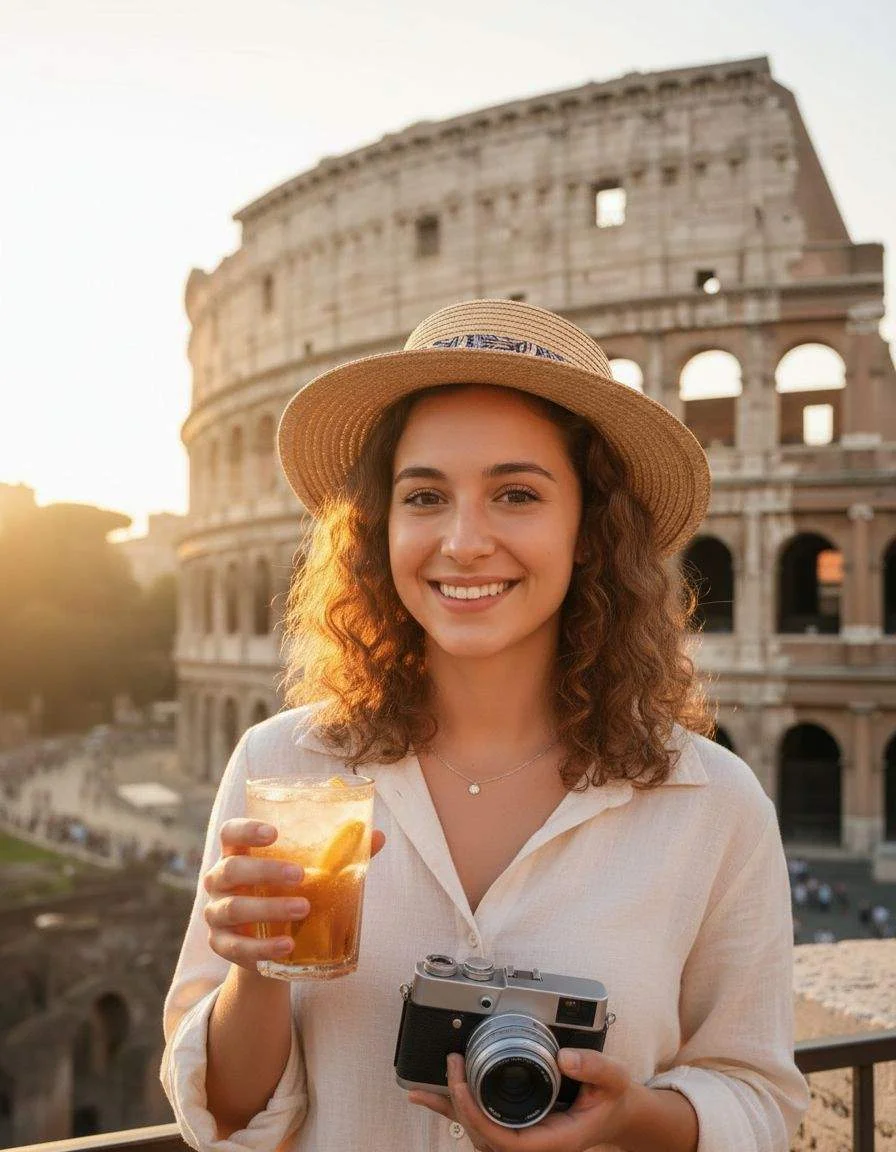
Upload a solo photo, a couple shot, or a group selfie. TripPhoto AI's ai vacation photo generator handles multi-person inputs and places everyone naturally in the scene. Great for couple travel portraits, friend group posts, and travel agency campaign visuals.

Original
Result
Why Choose TripPhoto AI as Your AI Travel Photo Generator
Location-driven AI that puts you at any destination, realistically.
Location-Based AI Engine
TripPhoto AI's ai travel photo generator uses real landmark coordinates and typical lighting conditions to generate destination-accurate results — not generic backgrounds pasted behind you.
One-Photo Input
Upload a single clear selfie. No multi-angle requirements, no special lighting setup needed. The AI travel photographer works with what you have.
Identity-Preserving Output
Your face stays recognizably yours. TripPhoto AI generates travel portraits of you with consistent features, natural placement, and none of the uncanny valley distortions common in other tools.
Social-Ready Formats
Download in portrait, landscape, and square crops. Your ai travel pictures are sized for Instagram stories, feed posts, and TikTok covers with no extra editing needed.
150+ Iconic Destinations
From the Eiffel Tower to Machu Picchu, choose from over 150 map-based shoot locations. New landmarks are added monthly based on community requests.
Fast, Secure Generation
Results in under 60 seconds. Your uploaded photo is encrypted and never shared or used for training. Delete source files from your account at any time.
From Selfie to Travel Portrait in 3 Simple Steps
Travel content creators
Pick your destination on the map
Browse 150+ famous landmarks or search by city. Each location feeds real scene data into the ai travel photo generator — lighting, backdrop, and seasonal atmosphere included.
Upload your photo and add a prompt
Use any recent selfie with decent lighting. Add an optional prompt (e.g. 'golden hour, smiling, casual outfit') to guide the travel portrait style. Prompts are entirely optional — the AI handles it without them.
Download and post your travel content
Get a social-ready ai travel picture in under 60 seconds. Download in multiple sizes and post directly to Instagram, TikTok, or your travel blog without extra editing.
Virtual check-in users
Select the landmark you want to visit
The destination you pick becomes the shooting location. TripPhoto AI uses real geographic and visual data so your ai tourist photo looks like it was taken on location.
Generate your vacation-style photo
Upload one photo and receive a realistic travel selfie placed in the landmark scene. The background, lighting, and depth match what a real photographer would capture there.
Use it as profile photo or story
Crop your virtual travel photo to a circle for profile use or keep the full frame for stories and reels. High-resolution output downloads instantly.
AI Travel Photo Use Cases
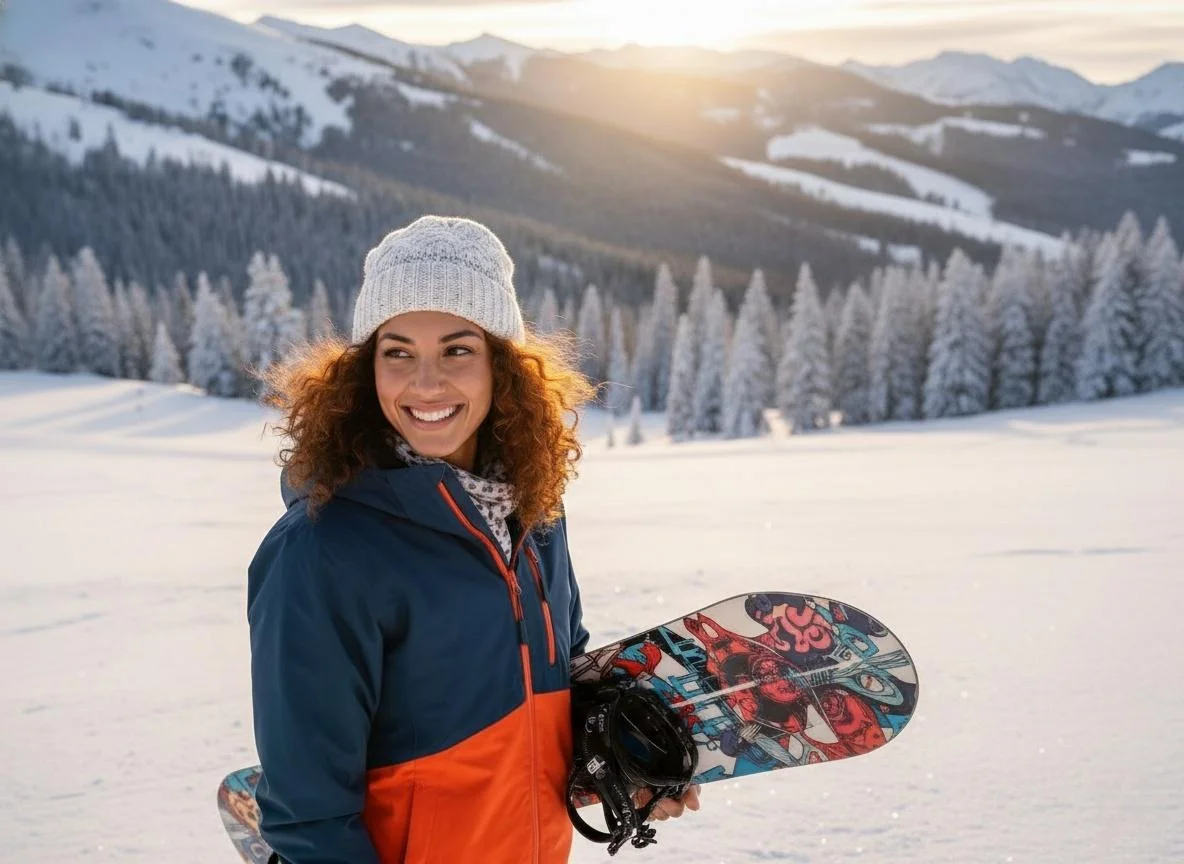
Creators, travelers, and brands use TripPhoto AI's ai travel photo generator to produce destination content without leaving home.
Each use case below represents a real workflow: upload your photo, pick a destination, and get the output you need for social media, marketing, or personal use.



What Travelers and Creators Say About TripPhoto AI
Real results from people using the AI travel photo generator for content, check-ins, and campaigns.
I tested four ai travel photo generators. TripPhoto AI is the only one that places me in the scene with accurate landmark lighting — not just a pasted background. My Eiffel Tower post got more saves than any photo from my actual Paris trip.

Travel Content Creator
The free ai travel photo generator trial convinced me instantly. I uploaded one selfie, picked Santorini, and got a result that looked like a professional travel shoot. I upgraded the same day.

Instagram Travel Creator
I use TripPhoto AI to preview how my photos will look at a destination before I actually fly there. It's a planning tool as much as a content tool. The ai travel picture quality is close enough to real photography.

Solo Travel Photographer
Running a travel blog means constant pressure for fresh location content. With TripPhoto AI I can generate ai travel photos at locations I'm writing about without visiting every destination. My content calendar is always full.

Travel Blogger
We take family travel photos using TripPhoto AI for our parenting and travel account. The location-based AI tourist photo feature puts the whole family in the scene naturally. Our audience can't tell these aren't real trips.

Family Travel Creator
Health issues prevent me from traveling, but TripPhoto AI gives me a way to create travel memories. My virtual check-in posts are now a weekly series my followers genuinely love. The ai vacation photo quality is outstanding.

Virtual Travel Enthusiast
AI Travel Photo Generator FAQ
Quick answers about generating virtual travel photos with TripPhoto AI.
Generate Your First AI Travel Photo Free
Upload one photo, pick a famous landmark, and download your realistic ai travel picture in under 60 seconds.